Frequently Asked Questions

Centralized, Company-wide Microsoft 365 Email Signature

  1. Home
  2. FAQs

FAQ Menu

FAQs - Reseller / Partner
How does a Reseller account work?
What are the benefits of a reseller account?
Does the reseller account have any trial period?
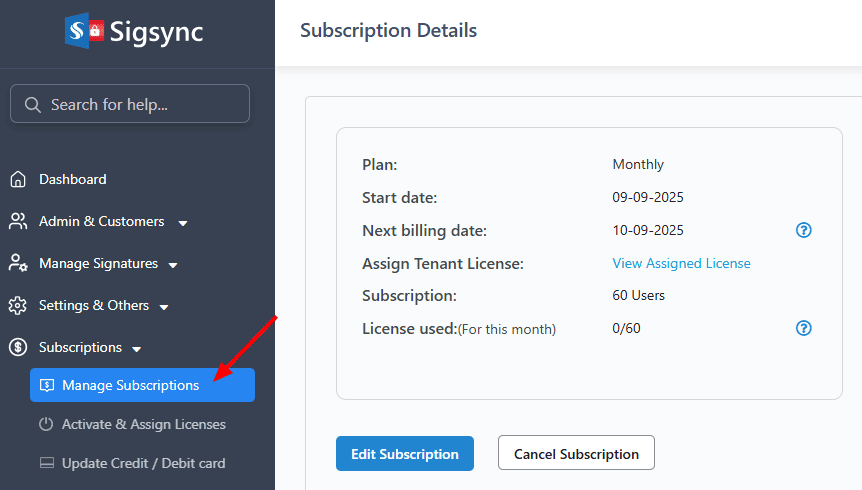
How to upgrade or downgrade licenses for existing subscriptions?
How does billing work for resellers?
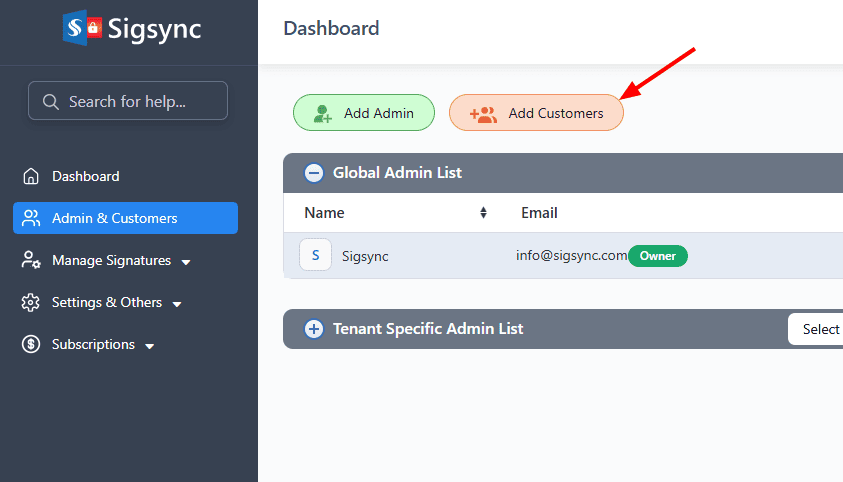
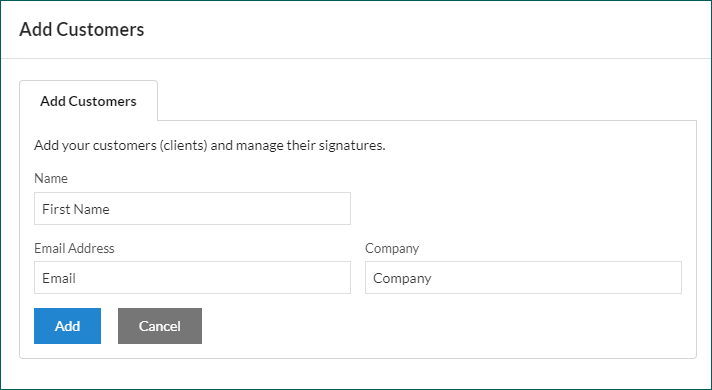
How can I add customers to my reseller account?
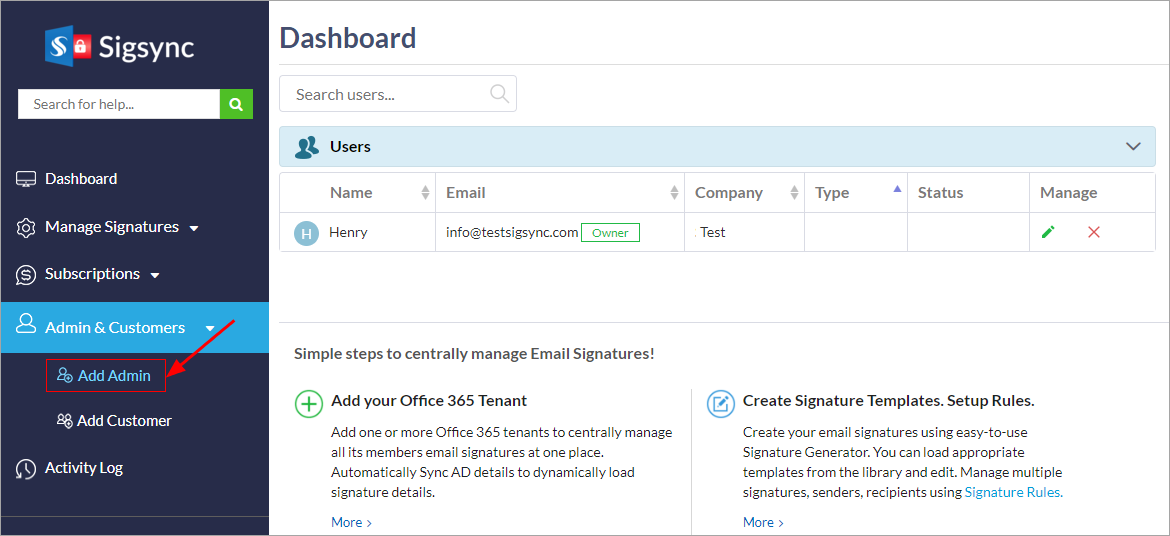
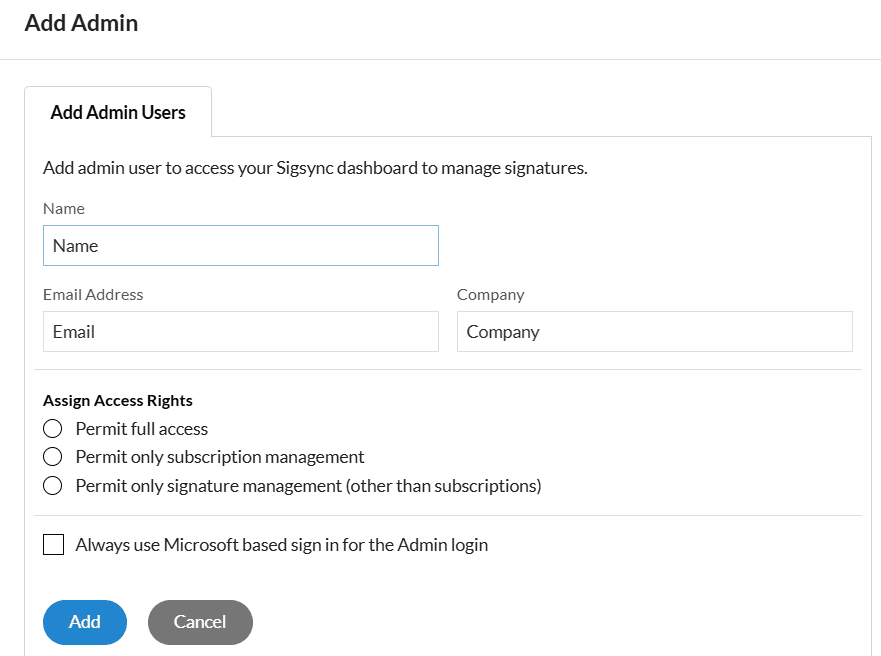
How can I add others to manage my clients?
How to manage Customers under a reseller account?
Can I ask my customer to add their Office 365 tenants to manage signatures?
Can customers registered under reseller account view Invoice, Subscriptions details under their login?
Is there a separate reseller panel in Sigsync?
How to set-up signatures for a Reseller?
How to manage Office 365 Tenants Signatures under reseller account?
Can I add tenants and have signatures of my own?
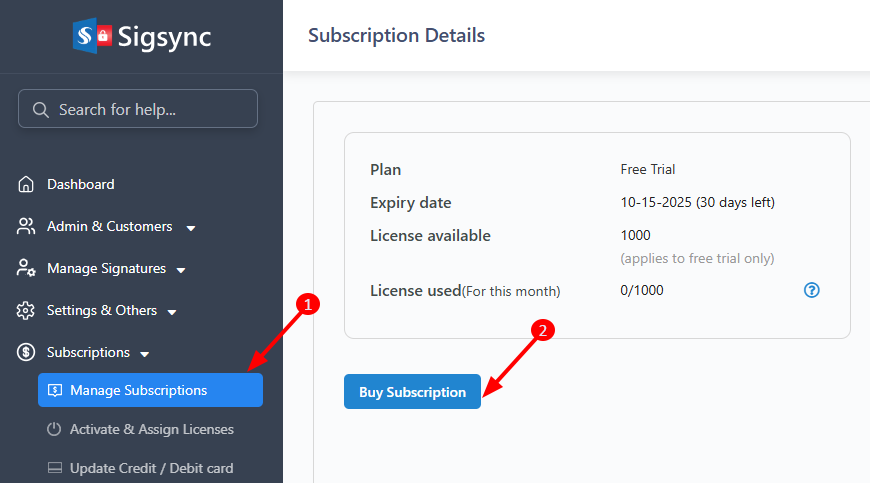
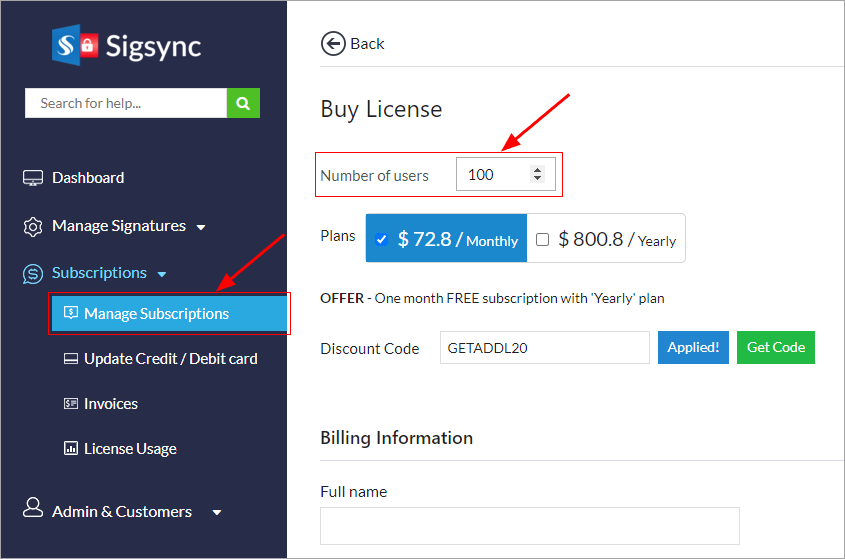
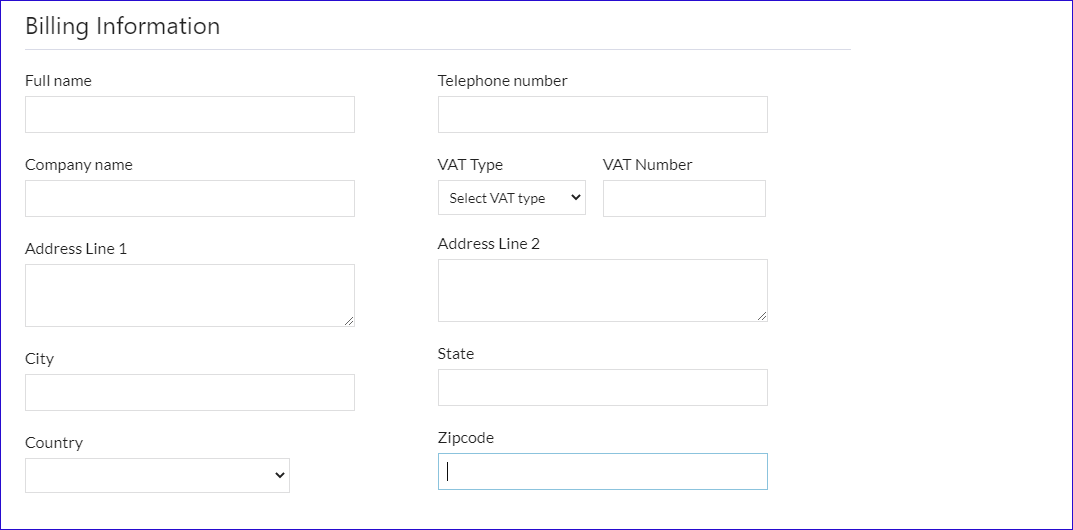
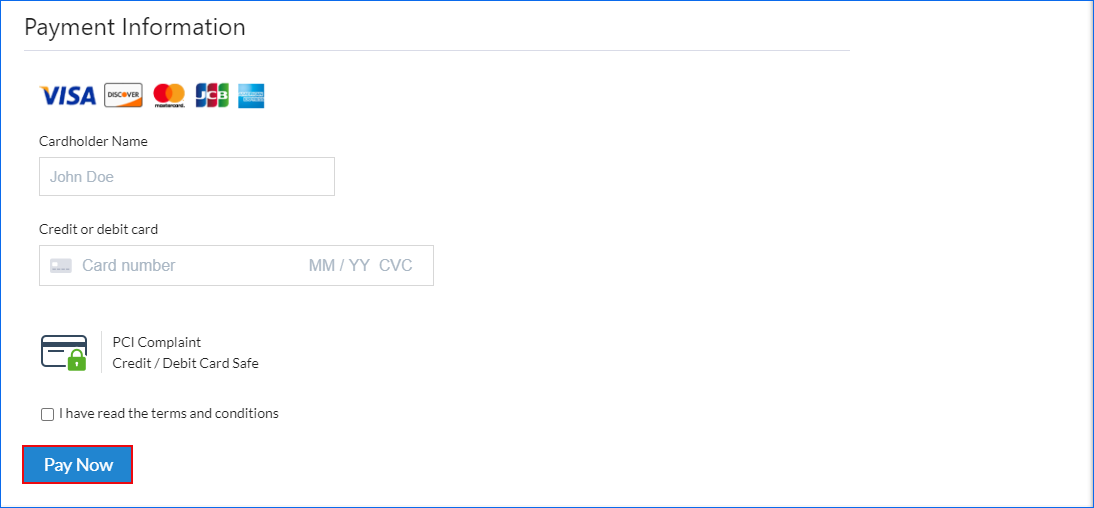
How can I purchase licenses in a reseller account?
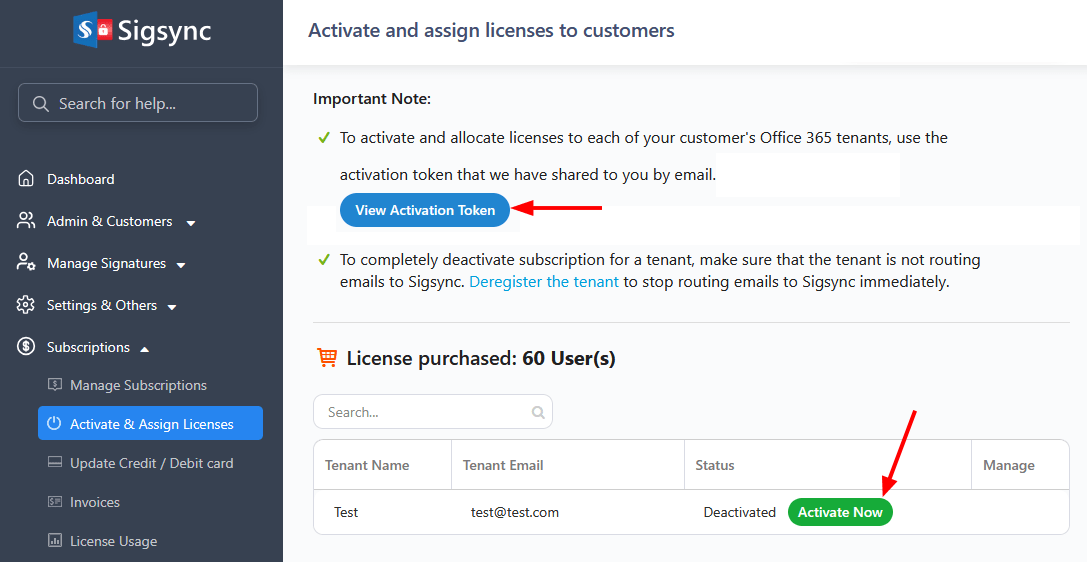
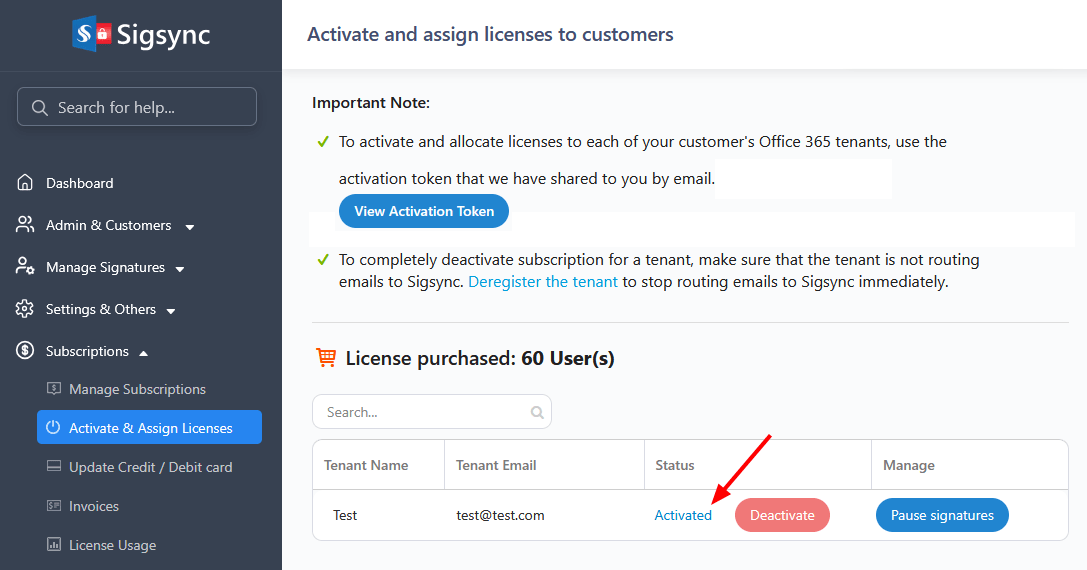
How to activate and allocate licenses to customers?
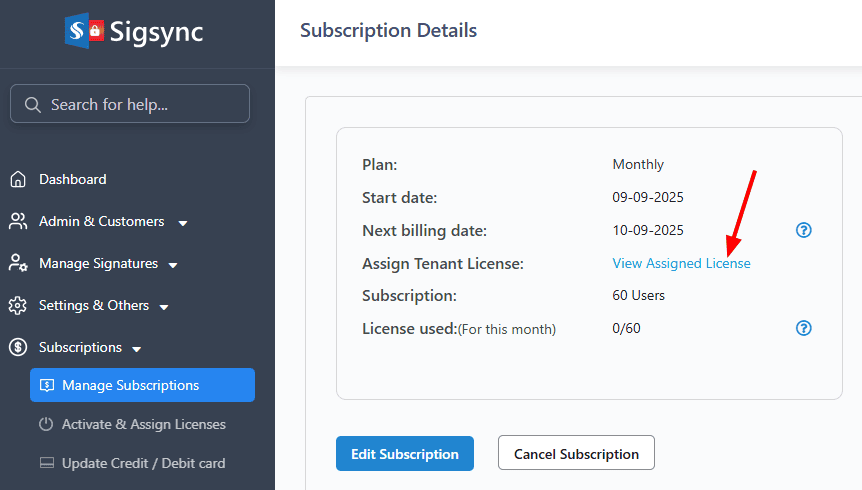
How can I assign /activate a license for a client's tenant?
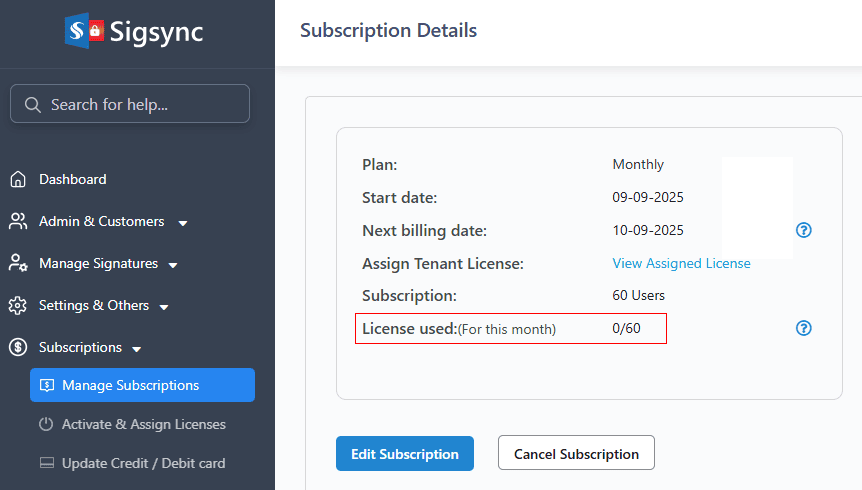
How can I verify the license usage count in a reseller account?
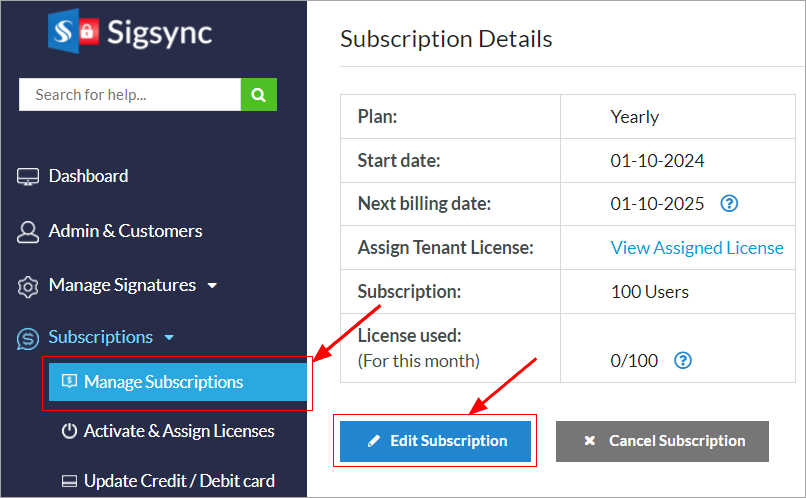
How to cancel my subscription?
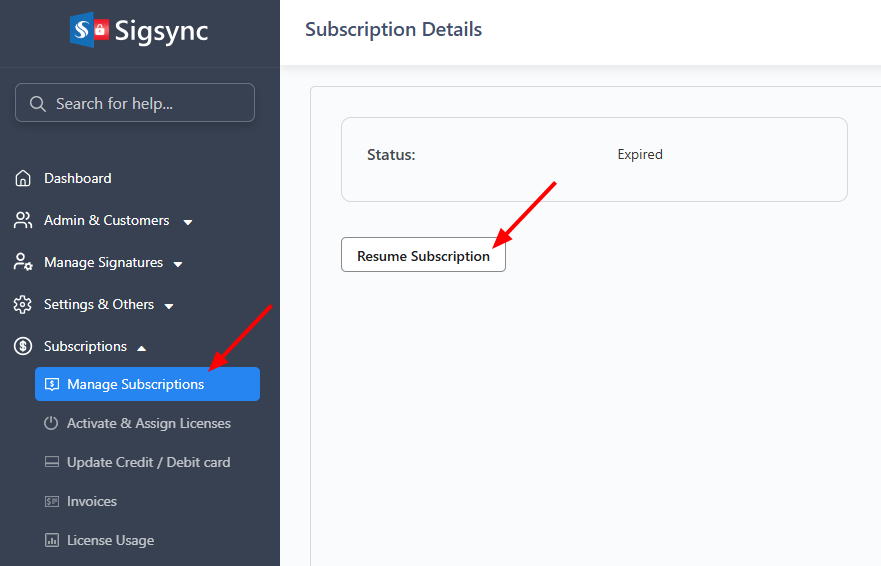
How to resume my subscription?
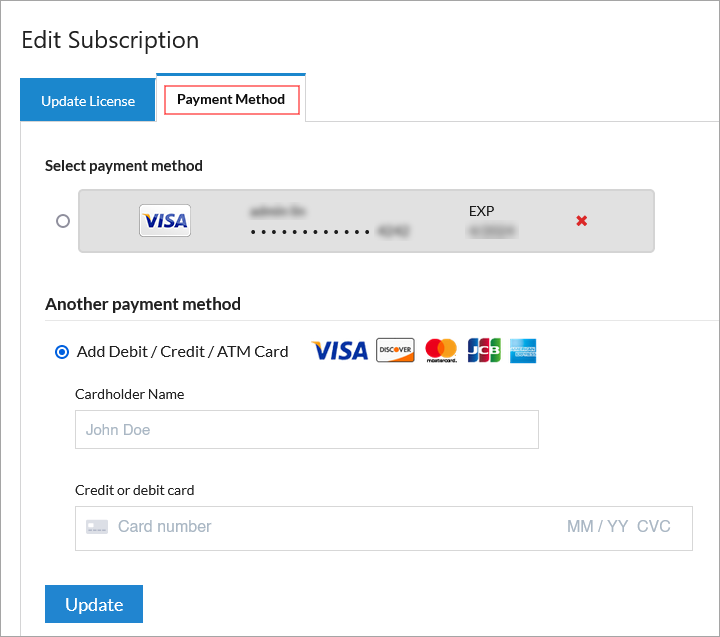
How do I change my credit card attached to the subscription?
Does it have any limit on how many emails a client / customer can send?
How to check my current status?
How is my discount calculated?
Is my discount reset / deleted after a certain period of time?
How to maintain the reseller status?
Where can I find product videos?
Where can I find brochures, banners and service screenshots?
How to get free Not for Resale (NFR) licenses?

Experience Smarter Email Signatures with a
Free Sigsync Demo

Sigsync email signature service provides effortless, centralized signature management for Office 365 and Exchange.
Our team can assist you in quickly setting up company-wide signatures. Request a free on-demand demo to see
how Sigsync can simplify your email signature management process.


Schedule a demo

Demo sitemap