
-
- Reseller
-
Products
Tailored Product Demo for Your Exact Needs
Explore how our solution delivers efficiency, control, and scalability.
Request a Demo
-
Solutions
Tailored Product Demo for Your Exact Needs
Explore how our solution delivers efficiency, control, and scalability.
Request a Demo
- Dashboard
- Features
- Pricing
Video tutorials
Get an instant assistance on how to add Office 365 email signature, create signature rules, create signature template,
add signature to tenants, configure connectors and more...

How does Sigsync work?
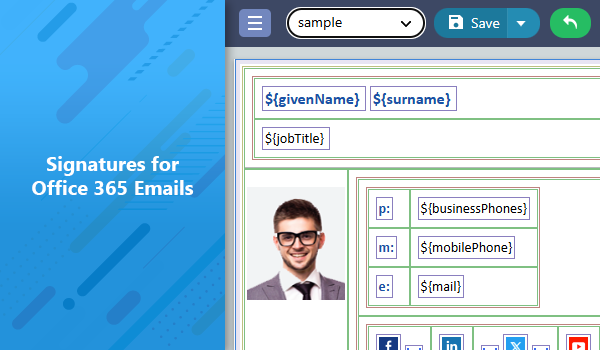
Steps to set up signatures
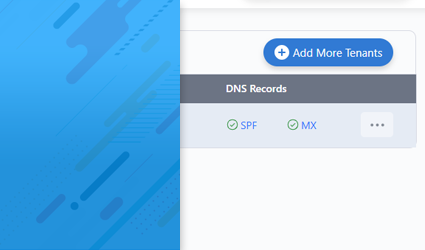
Step 1: Register and Configure your Office 365 tenant
Explains how to register and configure Office 365 tenant to centrally manage all its members email signatures
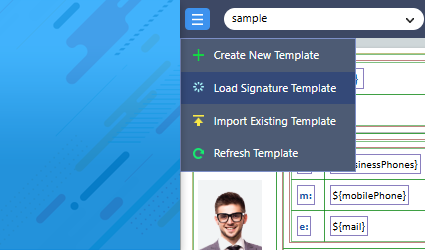
Step 2: Create, Design your signature
Explains how to choose signature template and make your own signature in quick easy steps!
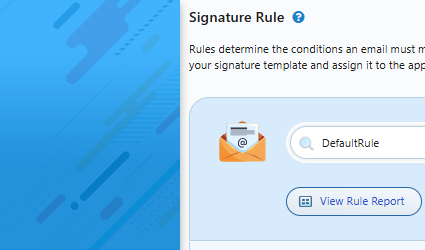
Step 3: Set Signature Rules
Explains how to set signature rules and assign templates.
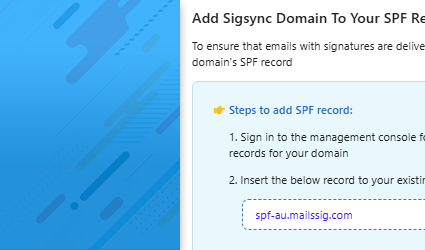
Step 4: Add SPF Record
Explains instructions for adding the Sigsync domain entry to your domain’s SPF record.
Sigsync Signature Editor operations
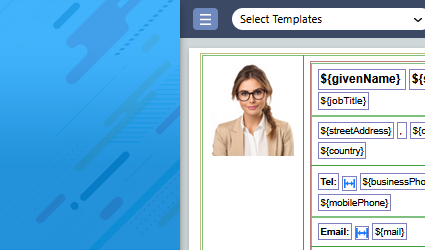
Create and Edit Signature
Explains how to choose signature template and make your own signature in quick easy steps!
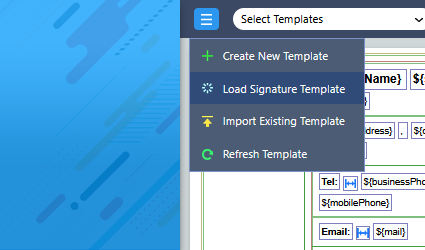
How to use 'Social Media Icons' in Signature?
Explains how to add your social media platforms in signature to improve marketing and user accessiblity to your social channels
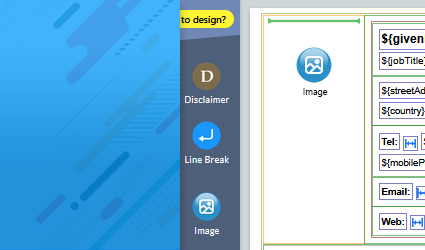
How to add profile photo in Signature?
Explains how you can add profile photo to your email signature templates using Sigsync signature generator
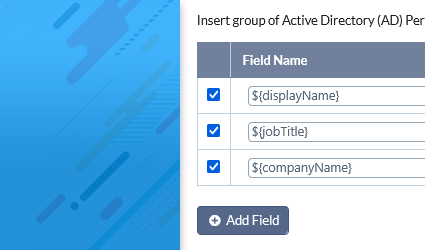
How to use Personal fields in Signature?
Explains how to use personal fields in email signatures dynamically for each user from Azure AD.
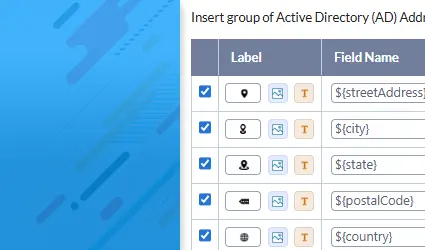
How to use Address fields in Signature?
Learn how to include address fields such as street, city, and country in your signature template
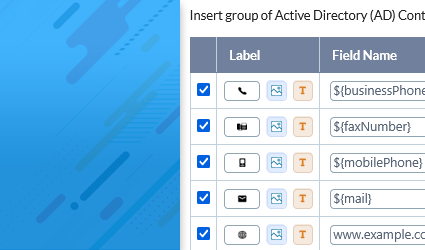
How to Add Contact Fields in Signature?
Explains how to add contact fields such as phone number, mobile, and email address to your email signature template
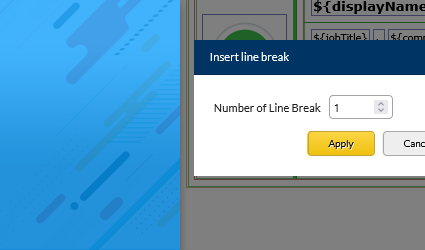
How to add or remove a new line in signature?
Explains how to add or remove line breaks in your email signature to adjust spacing and improve layout formatting.
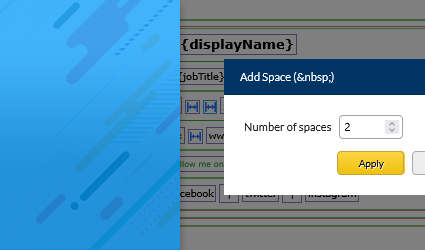
How to add and remove space in signature?
Explains how to add or remove spacing between fields in your email signature template to achieve a well-organized layout.
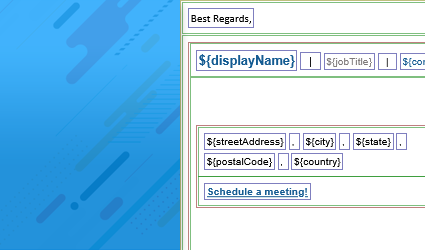
How to add vertical / horizontal line in signature?
Explains how to add vertical or horizontal lines in your email signature to visually separate different sections or fields.
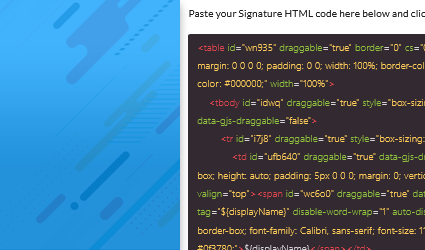
Import Email Signature Template
Explains how to import an existing HTML email signature template into the Sigsync editor for further customization and editing.
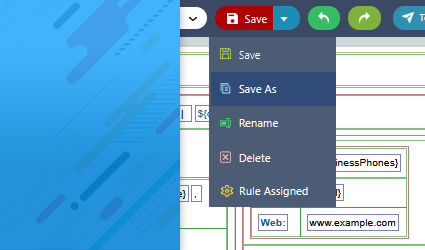
Copy Email Signature Template
Explains how to copy the email signature template under the same tenat or different tenant account.
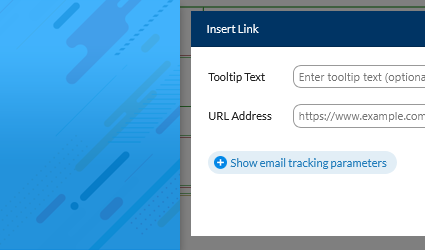
Add hyperlink to Email Signature field
Learn how to add clickable hyperlinks to fields in your email signature, such as linking a website, social media profile etc.
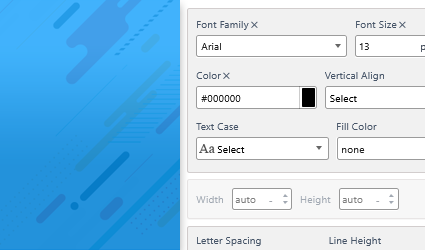
Change font name, size, color of an email signature field
Explains how to change the font name, size and color of an email signature field
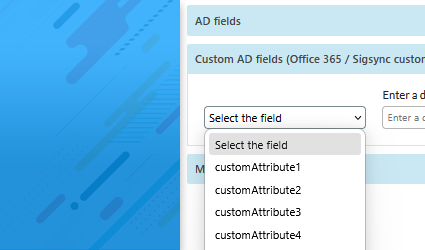
Add Custom AD fields in Email Signature Template
Explains how to add Custom AD fields in email signature template
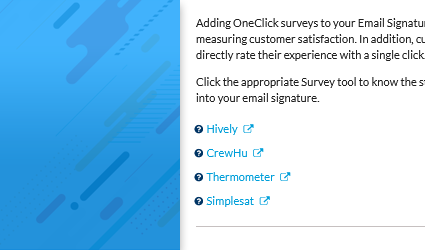
Add OneClick CSAT survey
Expalins how to integrate OneClick CSAT survey in signature
Preview Signature
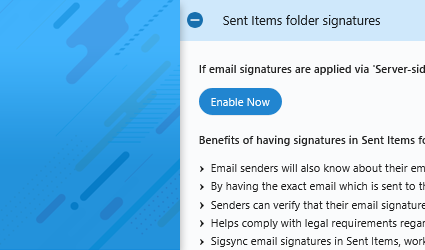
Add Email Signature in Sent Emails
Explains how to view signature in your sent emails under sent items folder of office 365 account.
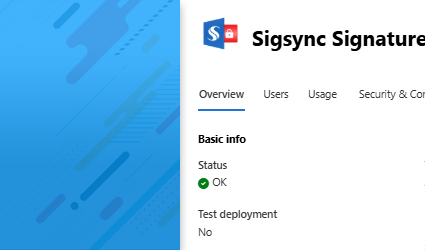
Sigsync Signature Preview Outlook Add-in Admin Installation
Explains how to centrally deploy Sigsync Signatures Outlook Add in for all the users
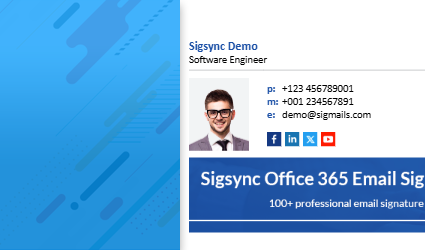
How to set up Client side signatures in Sigsync?
Explains How to set up Client side signatures in Sigsync
Others
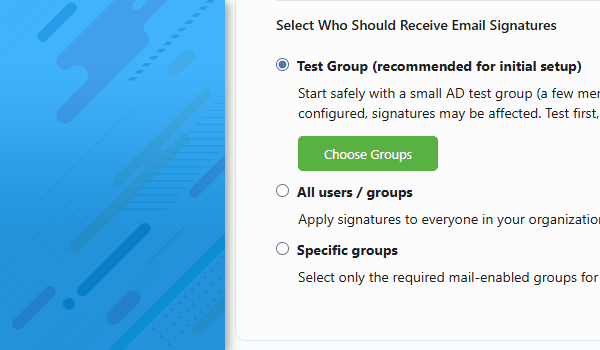
Set up Email signatures for a specific Active Directory group
Expalins how to set up Email signatures for the members of an Active Directory group
