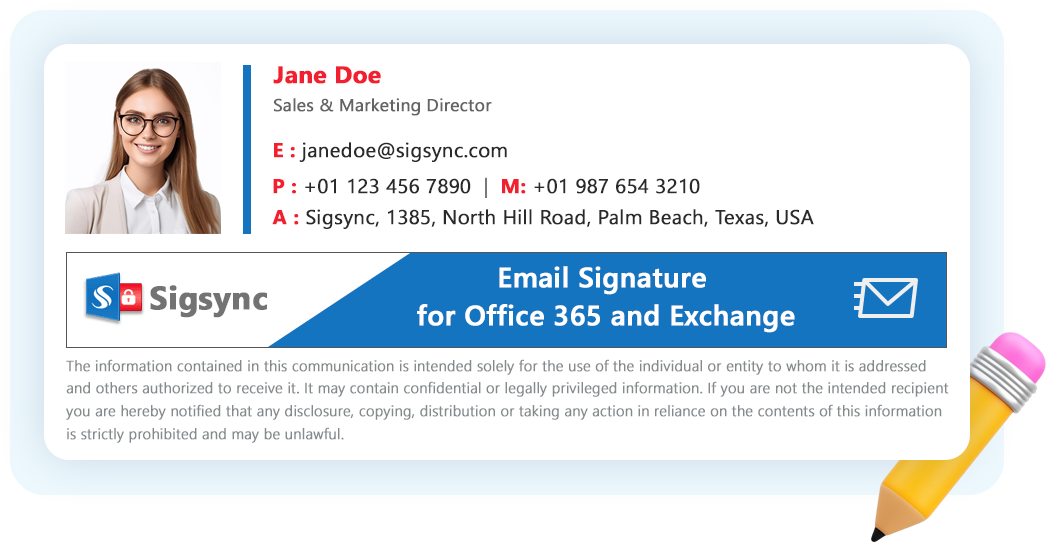

Apply after sending
Server mode adds signatures in the mail flow for configured senders, including messages sent from mobile devices. Sigsync configures the Exchange Online connectors during setup.

Explore how our solution delivers efficiency, control, and scalability.
Request a Demo
Explore how our solution delivers efficiency, control, and scalability.
Request a Demo
Manage every Microsoft 365 email signature from one dashboard. User details sync from Entra ID, and server mode needs no per-device setup.
150M+
Signatures Delivered Monthly
99.99%
Service Availability
150+
Countries Served
5000+
Organizations Trust Sigsync
IT teams enforce email signature governance by implementing centralized controls,
role-based permissions, and approval workflows that ensure every employee
signature follows company branding, compliance, and communication standards.
By standardizing email signatures across the organization, businesses can maintain
a professional brand identity while preventing unauthorized edits and inconsistent
formatting.


Manage and deploy company-wide email signatures from a single dashboard without manual user intervention.
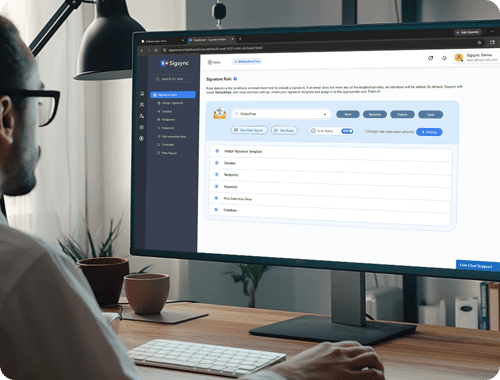
Control who can create, edit, approve, or publish email signatures with secure permission-based access.

Standardize email signatures, banners, and contact details across departments to maintain a professional brand identity.

Automatically apply signatures to all outgoing emails in Microsoft 365 without requiring users to configure anything manually.
Managing email signatures manually across growing organizations can quickly become difficult and time-consuming for IT teams. Sigsync simplifies this process with intelligent, centralized automation that automatically applies the right email signature to every user based on organizational rules and policies.
Whether it’s different departments, job roles, office locations, or marketing campaigns, Sigsync ensures every employee gets the correct, professionally branded signature without requiring manual updates or user involvement. With role-based access, HR teams and marketing teams can manage their own templates while IT keeps tenant-wide control.

Choose a mode that fits your mail flow, security and user experience requirements.
Server mode adds signatures in the mail flow for configured senders, including messages sent from mobile devices. Sigsync configures the Exchange Online connectors during setup.
The Sigsync Outlook add-in inserts signatures while users compose in supported Outlook desktop, web and mobile clients.
Centralized mode combines the composing experience with server-side processing for messages sent from clients the add-in does not cover.
Native rules can append a basic disclaimer. Dedicated signature management adds visual editing, signature-specific controls and an Outlook composing experience. For legal wording by office, see email signatures for legal teams.
| Capability | Mail flow rules | Sigsync |
|---|---|---|
| Signature visible in Sent Items | Not added to the sender’s copy by the disclaimer rule | Optional Signature in Sent Items setting |
| Signature visible while composing | No | Yes, with the Outlook add-in |
| Visual template editor and gallery | HTML or plain-text disclaimer configuration | Drag-and-drop editor and templates |
| Directory details and photos | Selected directory text attributes; no native user-photo insertion | Microsoft 365 user properties and photos |
| New-message and reply signatures | No dedicated signature selection controls | Separate signature settings |
| Scheduled signatures and banners | Rule activation dates; manual disclaimer content management | Signature and banner scheduling |
| Delegate template management | Requires Exchange rule-management permissions | Role-based signature administration |
Start with a small group and validate the result before expanding signature processing.
Running Exchange on-premises or a hybrid environment? Review Sigsync’s Exchange Server signature and disclaimer configuration for your environment.

Sigsync is built with enterprise security standards and is certified for SOC 2 Type 2 and ISO 27001 compliance. It also supports GDPR and HIPAA requirements, helping organizations maintain regulatory compliance and protect sensitive communication data.
Sigsync signs in with OAuth 2.0 and access tokens issued by Microsoft, so admin credentials are never stored. Accounts with multi-factor authentication (MFA) are supported. A Global Administrator signs in once to register the tenant.
In server mode, emails pass through Sigsync's Azure servers only so the signature can be added. They are not stored or read, and connections are TLS encrypted.
Only account owners and authorized admins can change templates or rules, and role-based access can limit users to selected signatures and rules. The Activity Log records administrative actions for review.
A Global Administrator signs in once to register the tenant and configure signatures. Sigsync uses OAuth 2.0 with access tokens issued by Microsoft, so admin credentials are never stored, and MFA-enabled accounts are supported.
No. In server mode, emails pass through Sigsync's Azure servers only so the signature can be added. They are not stored or read, and connections are TLS encrypted.
Sigsync configures the required Exchange Online connectors during setup. You do not need to build signature transport rules manually. Setup time depends on your tenant and configuration requirements.
Yes. During configuration, choose specific Microsoft 365 groups instead of all users. Test signatures and rules with a small group, then extend the scope to the whole tenant.
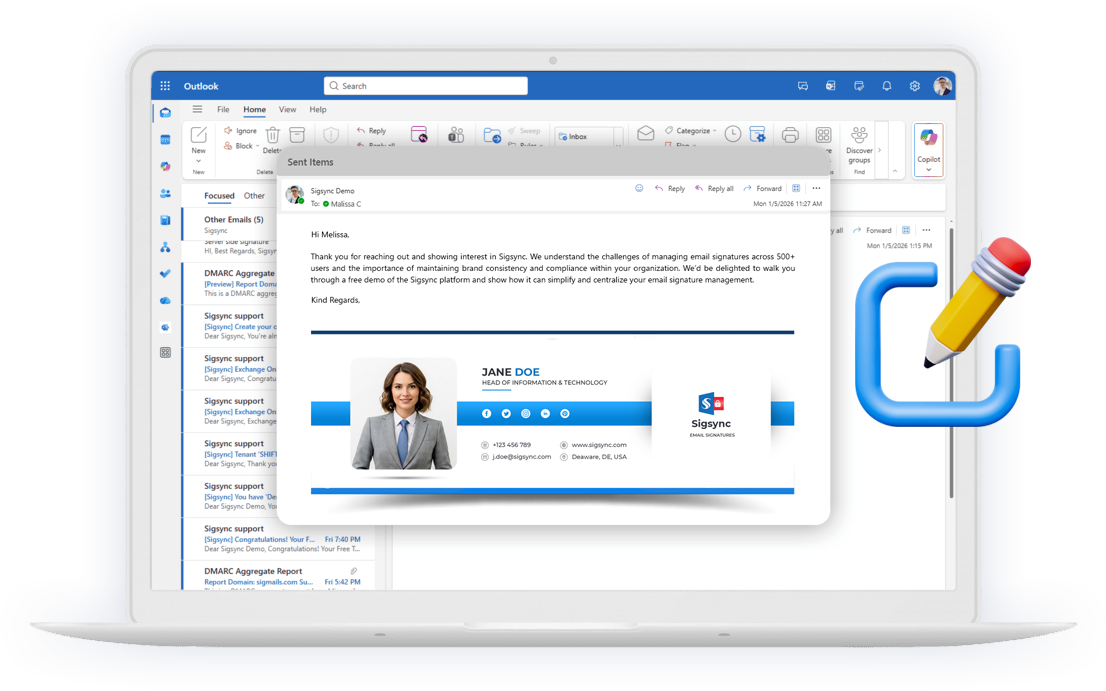
Yes. Server-side signatures are added after sending, and you can turn on the "Signature in Sent Items" option so users see the final signature in their Sent folder. In client or centralized mode, users also see the signature while composing in Outlook.
Deploy the add-in centrally from the Microsoft 365 admin center through Integrated Apps. Assign it to the intended users and verify availability in supported Outlook desktop, web and mobile clients.

Sigsync has been a game changer for managing our Office 365 signatures. The setup was quick, and the interface is so easy that even non-technical staff can make updates without help. The pricing is fair compared to other tools we tried, and the value it offers is incredible...
See all G2 Reviews
We adopted Sigsync to maintain uniformity and professionalism in our communications across all departments and regions. The setup was straightforward, and support was responsive when we needed help with initial configuration...
See all Capterra Reviews
Sigsync has made managing email signatures across our organization incredibly simple. The level of control it offers over layouts, branding, and user groups is impressive. We can easily apply company-wide changes without affecting individual Outlook settings...
See all Microsoft AppSource Reviews
One of the standout features is the editor – it's highly flexible, with real-time previews and support for images, hyperlinks, social media icons, and more. We've also taken advantage of department-specific targeting, which ensures the team gets the correct signature...
See all SourceForge Reviews
Sigsync is the best Office 365 email signature service we have used so far. We were looking for a cost-effective solution to add email signatures throughout the organization but it was expensive to go with the other solutions...
See all SaaShub Reviews
We’ve been using Sigsync Email Signatures for Office 365 for several months now, and the results have been exceptional. As an organization looking for a streamlined and professional approach to email signature management, Sigsync ticked every box...
See all SoftwareSuggest Reviews
We were struggling to keep our signature consistent across devices until we discovered Sigsync. It automatically adds professional signatures from the cloud-even for mobile emails. The drag-and-drop editor is surprisingly powerful...
See all SoftwareWorld Reviews
Sigsync has been a real-time saver for us. Before, managing email signatures across our team was chaotic — different formats, outdated info, inconsistent branding. Since switching to Sigsync, everything is handled centrally, and it just works.
See all Trustpilot Reviews
The demo experience alone demonstrated how powerful and user-friendly Sigsync is. It eliminated any hesitation about deployment and highlighted the intuitive interface and automated features...
See all Slashdot ReviewsGet started with Sigsync today and free your IT department from repetitive signature
management tasks.

 4.8 on G2
5000+ Organization
Microsoft Approved
No Credit Card Required

Experience Smarter Email Signatures with a
Free Sigsync Demo
Sigsync email signature service provides effortless, centralized signature management for Office 365 and Exchange.
Our team can assist you in quickly setting up company-wide signatures. Request a free on-demand demo to see
how Sigsync can simplify your email signature management process.


Hi, May I help you?
Hide Chat Now
