By team
Use a webinar banner for the product team, a hiring banner in the HR email signature or a case study in the sales email signature.
Explore how our solution delivers efficiency, control, and scalability.
Request a Demo
Explore how our solution delivers efficiency, control, and scalability.
Request a Demo
Turn every company email into a marketing touchpoint with scheduled, on-brand campaign banners in Microsoft 365 email signatures, and track the traffic they drive.
150M+
Signatures Delivered Monthly
99.99%
Service Availability
150+
Countries Served
5000+
Organizations Trust Sigsync
Plan, schedule and measure campaigns from one dashboard with Sigsync's Microsoft 365 email signature software.
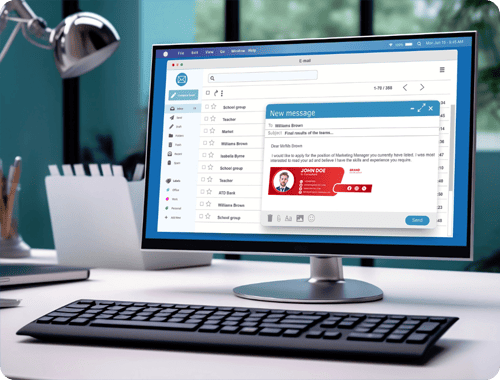
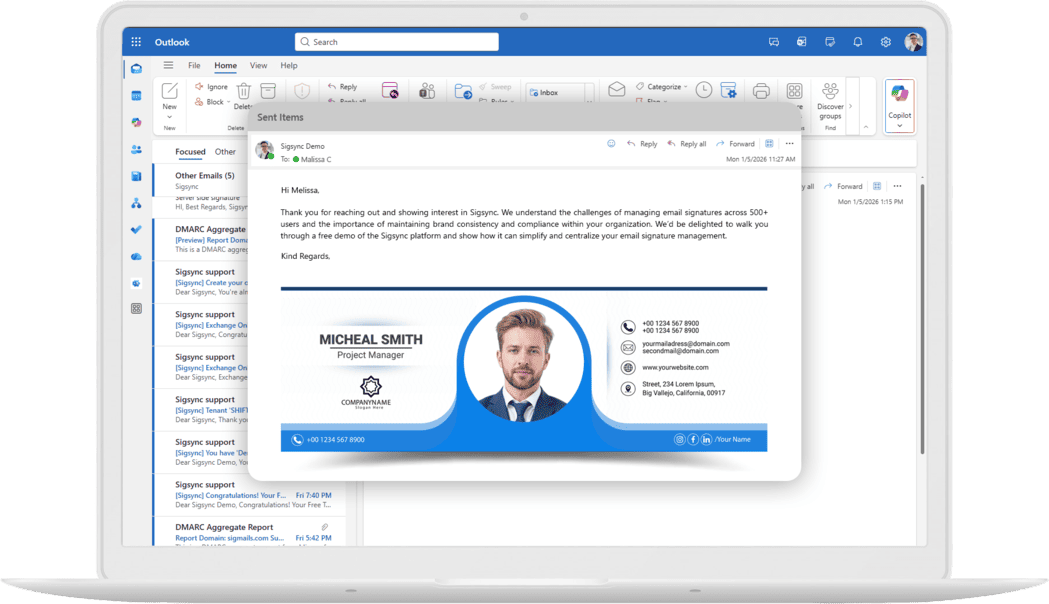
Add clickable banners, buttons and campaign messages to company email signatures to promote your latest event, offer or content.
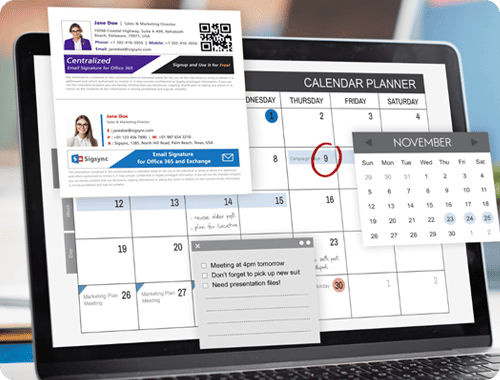
Plan campaigns ahead with the signature scheduler. Run banners daily, weekly or monthly in your local time zone, with scheduled start and end times.
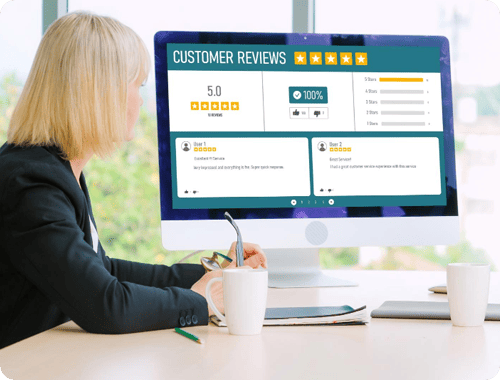
Embed one-click surveys in email signatures so customers can rate their experience directly from an email.

Add campaign tracking links to banners and buttons. Measure attributed website traffic in Google Analytics or Matomo to compare campaigns. Configure website events separately to measure sign-ups or demo requests.
Sigsync rules select the campaign for each email based on who sends it and who receives it. Use relevant messages for each audience.
Use a webinar banner for the product team, a hiring banner in the HR email signature or a case study in the sales email signature.
Promote regional events and offers using sender properties such as office or country.
Set recipient rules to show a campaign to external contacts and exclude internal messages.
Assign a tailored banner to messages sent to a specific client domain for account-based marketing.
Running several campaigns at once? Rotate promotional banners to give different messages exposure. Configure a campaign signature for new emails and a shorter signature for replies or forwards, keeping long conversations readable. See the full list of signature features.
A banner has a few seconds of attention at the bottom of an email. These habits keep it readable and useful.
Design for about 600 pixels wide and keep the file light, ideally under 150 KB, so it loads quickly on mobile. Use PNG or JPEG and add alt text for when images are blocked.
Promote one thing per banner and give it a dated call to action, such as "Register by 30 October", instead of a generic "Learn more".
A sales offer suits prospects, not an internal HR notice or a support reply. Use team and recipient rules so each audience sees the right message.
Set an end date when you launch. Permanent banners fade into the background and can end up promoting offers that no longer exist.
Three simple layouts to adapt: a dated webinar invitation, a product launch and a one-click survey. Each has one message and one action.
Add UTM parameters to your signature banner and button links. Use consistent campaign names to identify signature-driven visits in your website analytics and compare campaign performance.
Start with your destination URL, then add these four tracking parameters.
https://example.com/webinar?utm_source=email&utm_medium=signature&utm_campaign=autumn-webinar&utm_content=banner
Example URL — replace the destination and campaign values before use.
Use lowercase and avoid spaces to help keep campaign names consistent in your reports.
Keep a shared list of campaign names so reports stay clean and consistent across the team.
Compare visits and conversions over similar periods to understand which campaigns perform best.
Email signature campaigns work best when you plan them like any other marketing channel. This routine keeps each one focused and measurable.
Pick a single outcome, such as webinar sign-ups or demo requests, so you can judge the campaign afterwards.
Decide who should see it: a team, an office, external recipients or a client domain.
Build it in the signature designer, keep it about 600 pixels wide and use a dated call to action.
Set the start and end dates in your local time zone so the banner retires itself.
Add UTM parameters to every banner and button link before launch.
Check clicks in your analytics tool, keep or change the message and let the banner expire on schedule.
Build consistent, professional email signatures without involving tech or design teams.

In many organizations, even a minor signature update needs IT, design and compliance teams to coordinate, slowing campaigns down. Sigsync's drag-and-drop signature designer and template gallery let authorized marketing users create HTML email signatures and banners without coding. Role-based access helps IT govern who can change templates, rules and settings. See how IT departments and legal teams approve signatures, or how executive email signatures are handled.
Create Signature Now!Use email signatures to highlight campaigns and key messages. Turn routine
communication into measurable marketing impact.




Schedule a registration banner for the weeks before your event.
Announce new features through relevant support and account emails.
Link to reports, guides and case studies.
Feature current awards, accurate review ratings or customer logos you have permission to use.
Update logos, colors and templates from one dashboard.
Add a one-click survey to support and account manager signatures.
A relevant, dated banner sits below your message and asks for nothing. Use recipient rules so it reaches the audience it suits and stays off internal threads.
Any team that emails customers has the space. A single event banner needs no media spend.
With UTM-tagged links, signature clicks show up as their own source in Google Analytics or Matomo.
The drag-and-drop designer and role-based access let authorized marketing users make changes while IT keeps control.
Your team already sends the emails, so the reach is built in. A quick way to size it: multiply the number of people by the external emails each sends per day and by the working days in a year.
100 people × 20 emails/day × 230 working days
≈ 460,000 emails that can carry your campaign bannerThis is an illustration only. Your actual reach depends on your email volume, external recipients, and campaign goals. Use analytics to measure results.
Marketing teams often try the built-in options first. Here is where they stop.
Each person sets their own, so titles, logos and banners drift, and there is no way to schedule a campaign.
They can append text to messages, but they give marketing no designer, no scheduling and no click reporting.
Emailing a signature to staff to paste in gets patchy adoption and goes stale the day a campaign ends.
One dashboard for design, targeting, scheduling and tracking, filled from Microsoft Entra ID and applied through your rules.
Email signature marketing uses the space below every employee's email to promote campaigns, events, content and offers. Because the banner goes out on emails your team already sends, it reaches customers, prospects and partners with no extra media spend.
Yes. Sigsync rules can assign banners by the sender's department, office or Microsoft 365 group, and by recipient, such as external recipients, specific domains or specific email addresses.
Yes. The signature scheduler applies a campaign daily, weekly or monthly in your local time zone. You can also rotate several banners across the team during the same campaign.
Add campaign tracking parameters to banner and button links, then review attributed website traffic in Google Analytics or Matomo. To measure sign-ups or demo requests, configure the relevant website events and conversion tracking in your analytics platform.
Yes. After IT sets up Sigsync and grants the appropriate access, authorized marketing users can update banners and campaign templates. Account owners and administrators control access to templates, rules and settings.
Yes. Sigsync lets you use a different signature for new emails and for replies or forwards, so the banner shows on the first email and replies stay short.

Sigsync has been a game changer for managing our Office 365 signatures. The setup was quick, and the interface is so easy that even non-technical staff can make updates without help. The pricing is fair compared to other tools we tried, and the value it offers is incredible...
See all G2 Reviews
We adopted Sigsync to maintain uniformity and professionalism in our communications across all departments and regions. The setup was straightforward, and support was responsive when we needed help with initial configuration...
See all Capterra Reviews
Sigsync has made managing email signatures across our organization incredibly simple. The level of control it offers over layouts, branding, and user groups is impressive. We can easily apply company-wide changes without affecting individual Outlook settings...
See all Microsoft AppSource Reviews
One of the standout features is the editor – it's highly flexible, with real-time previews and support for images, hyperlinks, social media icons, and more. We've also taken advantage of department-specific targeting, which ensures the team gets the correct signature...
See all SourceForge Reviews
Sigsync is the best Office 365 email signature service we have used so far. We were looking for a cost-effective solution to add email signatures throughout the organization but it was expensive to go with the other solutions...
See all SaaShub Reviews
We’ve been using Sigsync Email Signatures for Office 365 for several months now, and the results have been exceptional. As an organization looking for a streamlined and professional approach to email signature management, Sigsync ticked every box...
See all SoftwareSuggest Reviews
We were struggling to keep our signature consistent across devices until we discovered Sigsync. It automatically adds professional signatures from the cloud-even for mobile emails. The drag-and-drop editor is surprisingly powerful...
See all SoftwareWorld Reviews
The demo experience alone demonstrated how powerful and user-friendly Sigsync is. It eliminated any hesitation about deployment and highlighted the intuitive interface and automated features...
See all Slashdot Reviews
We've been using Sigsync to centrally manage email signatures across our Microsoft 365 organization, and it has significantly simplified the process. Deployment was straightforward, and the ability to automatically apply consistent signatures to all...
See all Software Advice ReviewsGet started with Sigsync today and free your IT department from repetitive signature management tasks.


5000+ Organizations
|Microsoft Approved
|No Credit Card Required

Experience Smarter Email Signatures with a
Free Sigsync Demo
Sigsync email signature service provides effortless, centralized signature management for Office 365 and Exchange.
Our team can assist you in quickly setting up company-wide signatures. Request a free on-demand demo to see
how Sigsync can simplify your email signature management process.


Hi, May I help you?
Hide Chat Now

