

Register as Reseller
Sigsync offers a Reseller Program that allows you to register as a reseller and manage multiple customer accounts from a centralized Reseller Dashboard. As a reseller, you can purchase licenses in bulk at discounted prices and distribute them to your clients based on their requirements. You can also contact Sigsync support for a reseller discount, ensuring better pricing and increased profitability for your business.
Registering as a reseller helps you provide added value to your customers while maintaining full control over license assignments and email signature management. This page explains how to register as a reseller, complete the verification process, and begin managing your customers through your Sigsync reseller account.
Follow the steps below to register as a reseller in Sigsync:
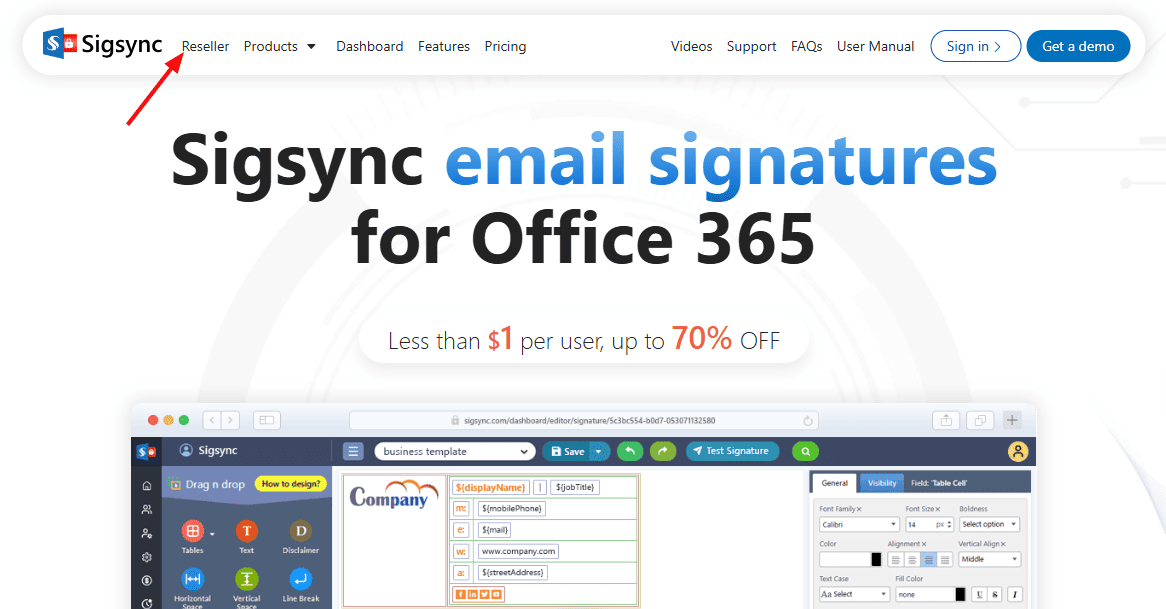
- Click the ‘Reseller’ menu on the Sigsync website.
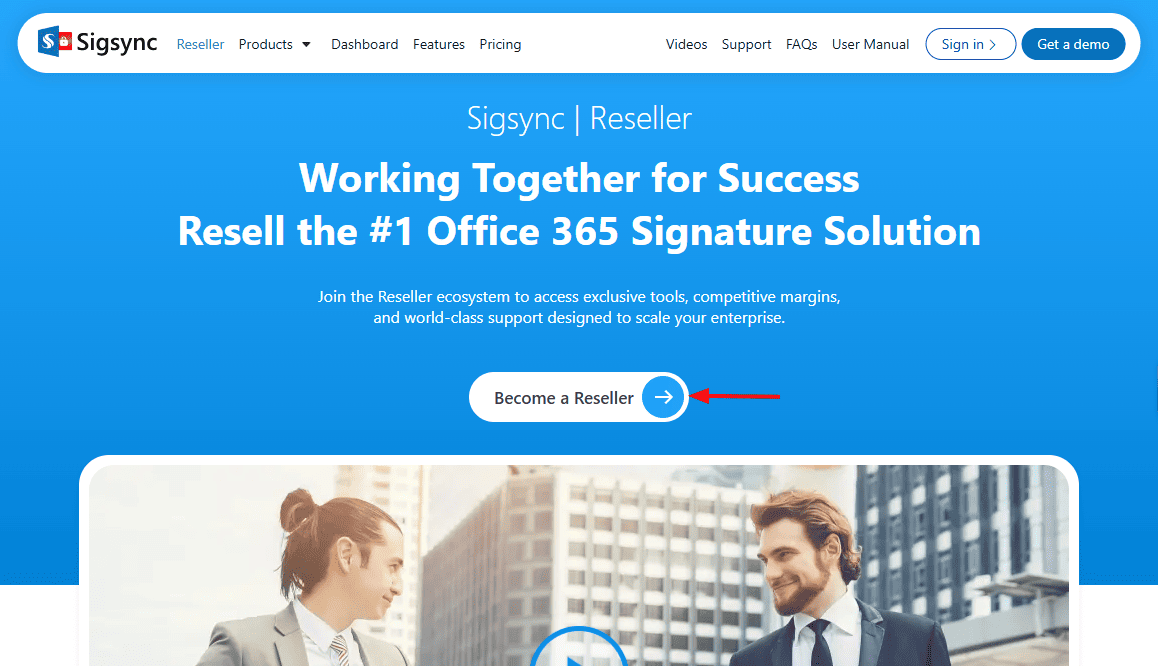
- Click the ‘Become a Reseller’ button to register and create your Sigsync reseller account.
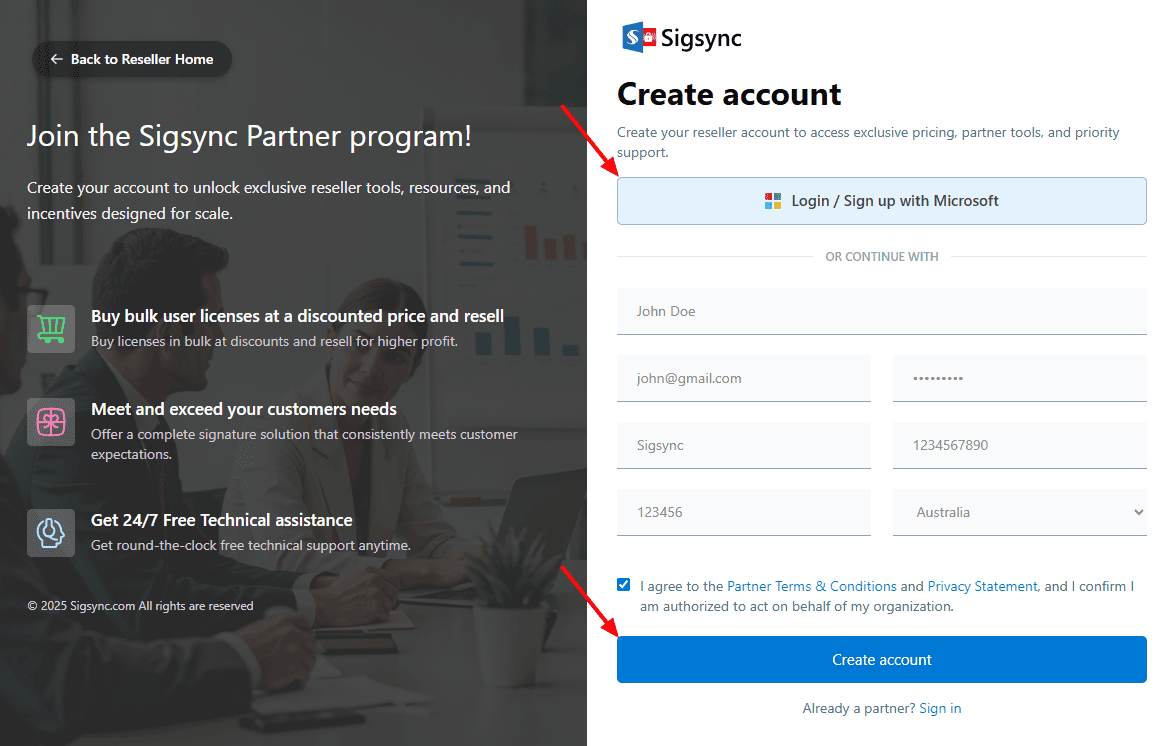
- Click ‘Login / Sign up with Microsoft’ to complete the registration using your Microsoft 365 account. Alternatively, you can fill in the required details in the registration form and click ‘Create Account’ to finish the sign-up process.
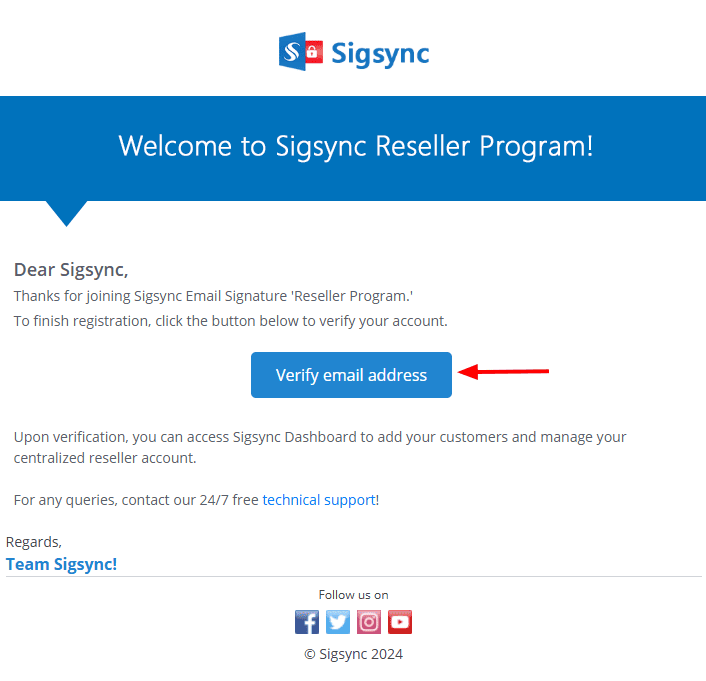
- To complete the registration, a verification email will be sent to your registered email address. Open the email and click the ‘Verify email address’ button to confirm your account.
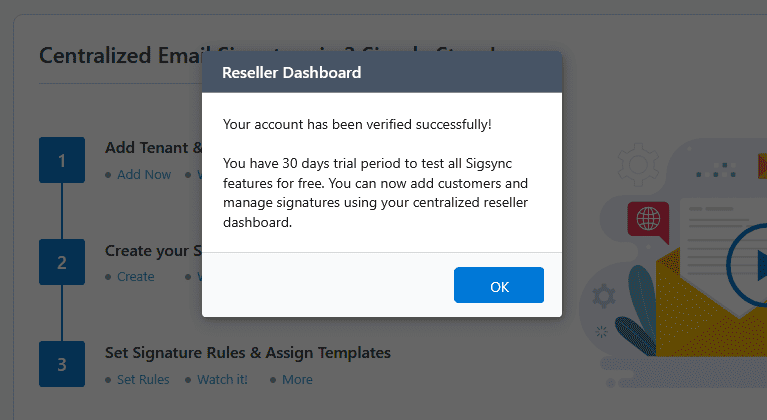
- After successful verification, you will be directly logged in to the reseller dashboard, and a confirmation message will appear along with the free trial note.
Next Navigate To:
In this manual

